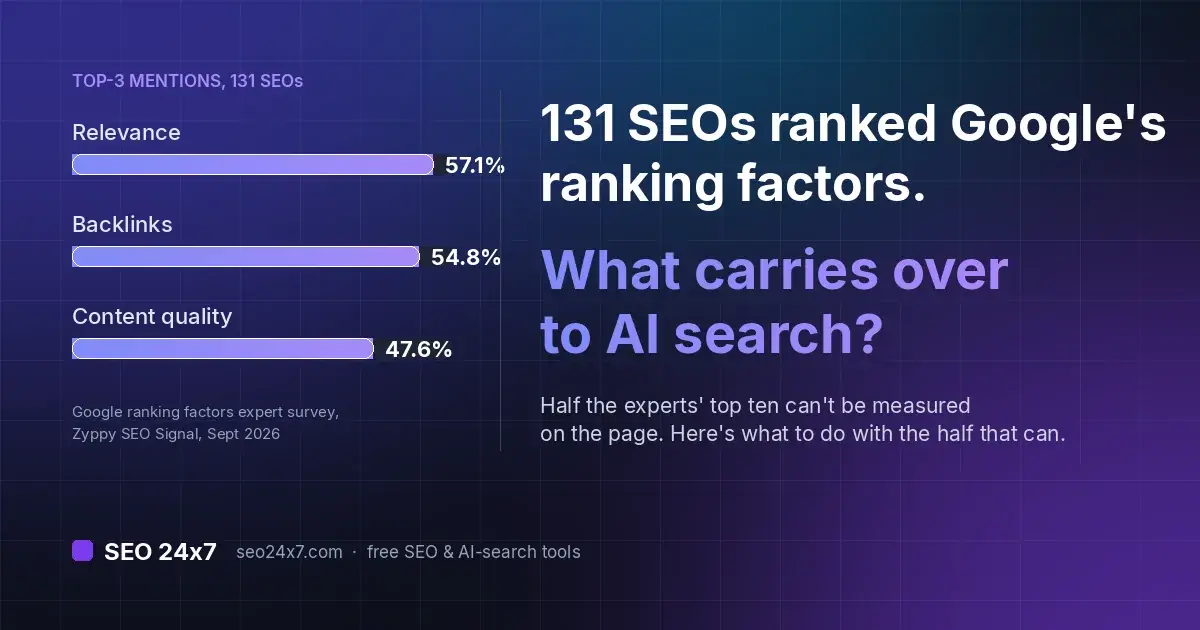
SEO 24x7 is the starting hub for its free, browser-based SEO tools and practical learning resources. Everything is public: you can use the tools and read the guides without registering. Use the tool finder below when you need to investigate a page, follow the learning path when you want to build skills in a deliberate order, or search recent posts when you are researching one search topic.
Key takeaways
- The tools are browser-based and free, with no login, paywall or gated membership.
- Each tool does one job on a page or domain: speed, snippet, on-page signals, schema, social preview, llms.txt or crawler rules.
- The structured learning path sequences SEO fundamentals through to advanced practice.
- Dedicated guides cover AI Overviews, generative engine optimisation and getting cited by AI answer engines.
- The material is global and written for both newcomers and experienced practitioners.
Start with the task in front of you
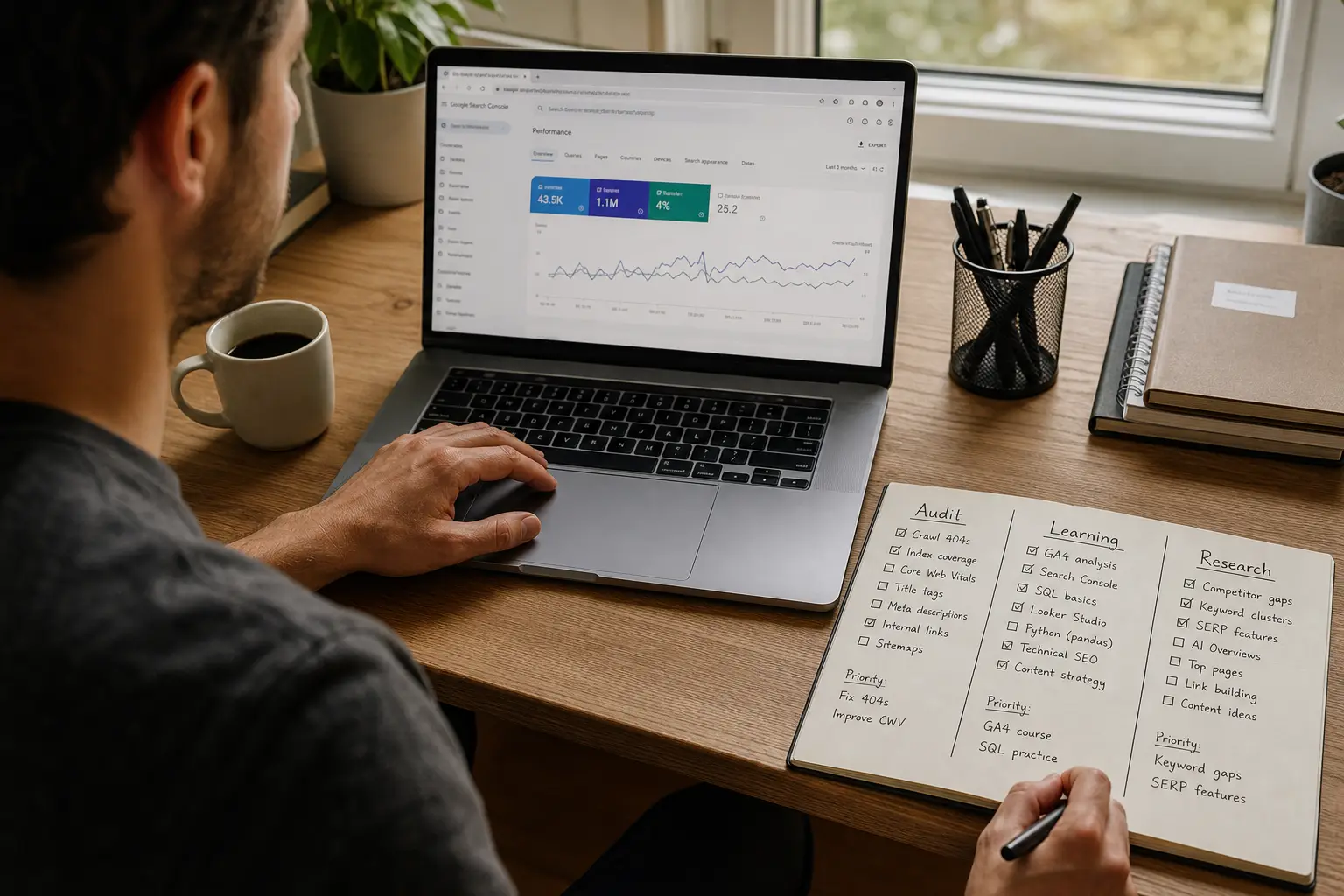
- Investigate a page: use Page Check for a broad review, then open a specialist tool for speed, snippets, schema or crawl rules.
- Learn in sequence: follow the structured learning path from foundational concepts to advanced practice.
- Research one topic: search the posts hub for a focused guide.
Match the tool to the SEO question
Pick the check that matches your question, run it on a URL you already care about, and act on what it returns. Each tool runs in the browser with no login or paywall, and does one specific job on a page or domain.
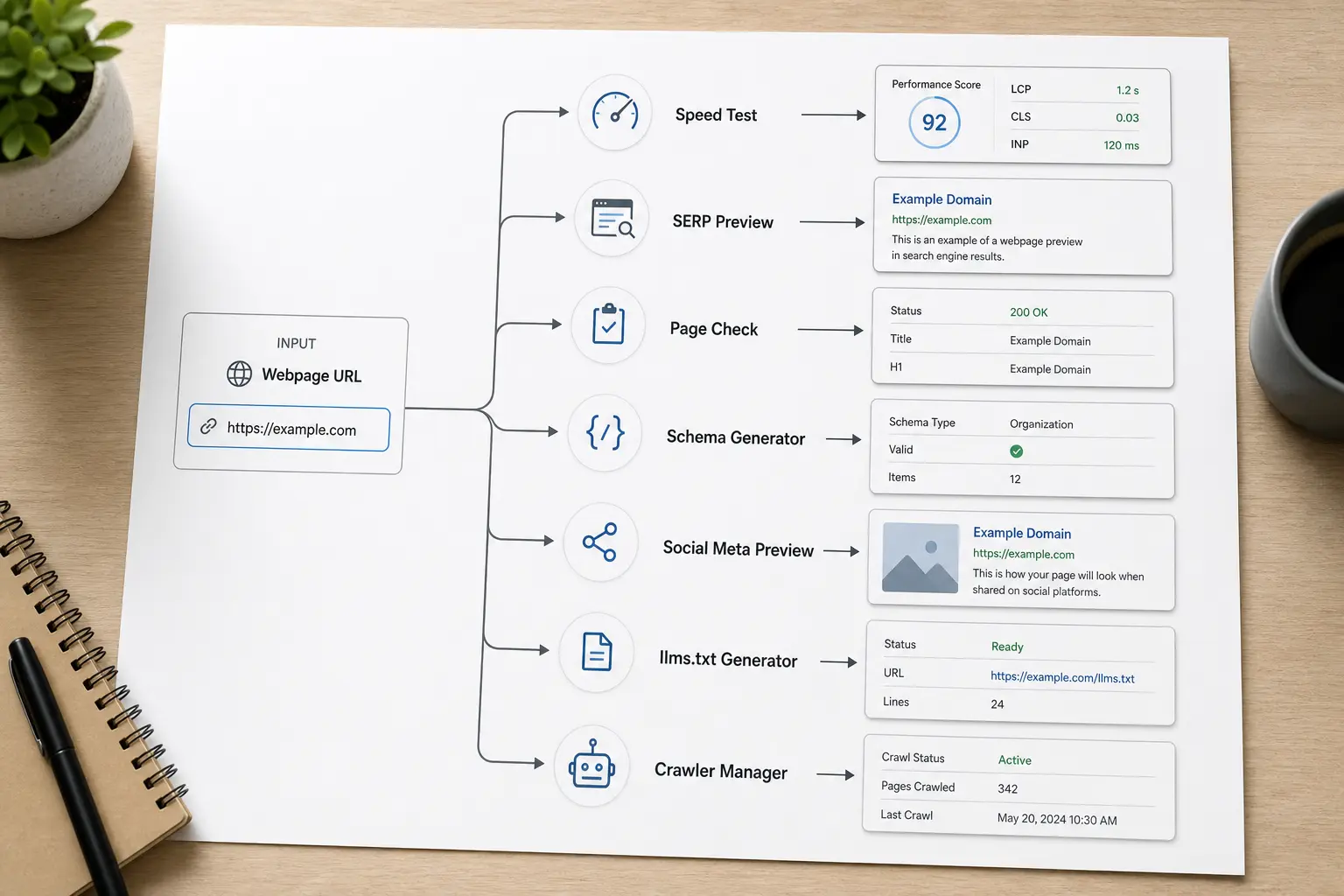
[Speed Test](https://seo24x7.com/tools/speed-test)
- Use it when: a page feels slow or you want a load baseline
- What you provide: the page URL
- What you get: load performance measurements
- What it cannot decide for you: which fix to prioritise for your stack
[SERP Preview](https://seo24x7.com/tools/serp-preview)
- Use it when: you are writing or editing a title and description
- What you provide: your title and meta description
- What you get: a visual of how the snippet may appear in Google
- What it cannot decide for you: whether Google will rewrite or truncate the snippet on the day
[Page Check](https://seo24x7.com/tools/page-check)
- Use it when: you want a quick on-page audit of one URL
- What you provide: the page URL
- What you get: a report of missing or weak on-page signals
- What it cannot decide for you: which weakness matters most for your goal
[Schema Generator](https://seo24x7.com/tools/schema-generator)
- Use it when: you need structured data for a page
- What you provide: your page details
- What you get: valid JSON-LD structured data
- What it cannot decide for you: which schema type best fits your content
[Meta Previewer](https://seo24x7.com/tools/meta-previewer)
- Use it when: you want to see how a shared link renders
- What you provide: your meta tags
- What you get: a preview of the social card and meta tags
- What it cannot decide for you: how each platform will ultimately display it
[llms.txt Generator](https://seo24x7.com/tools/llms-txt-generator)
- Use it when: you want to signal content to AI systems
- What you provide: your site details
- What you get: an llms.txt file
- What it cannot decide for you: whether a given AI system reads or honours it
[Crawler Manager](https://seo24x7.com/tools/crawler-manager)
- Use it when: you are managing crawler access
- What you provide: your crawl rules
- What you get: help configuring how crawlers interact with your site
- What it cannot decide for you: your site's correct crawl policy
Where a guide explains a tool, it links to it: the What Is llms.txt background pairs with the llms.txt generator, so you can read the convention before you produce a file. The tools surface information about a page; they do not rank the findings by business impact. Use the reports to narrow the problem, then decide what matters for that page and its search intent.
A concrete way to work one page:
- Run Page Check on a page you want to improve to get a baseline.
- Preview its snippet in SERP Preview and rewrite the title or description if the truncation or wording is off.
- Test its load performance with Speed Test and note anything failing.
- Read the matching guide for whatever the tools flagged, then apply the fix.
- Repeat on your next page. Keep a short record of the page, the finding, the change and the result so you can distinguish useful fixes from changes that made no measurable difference.
If Page Check identifies several issues, separate blockers from refinements. Check whether the page can be crawled and indexed first, then review the title and main content, and treat speed findings in the context of the page template. A SERP preview can expose awkward wording, but it cannot predict a Google rewrite; use it as an editing aid, not a promise of the final snippet.
How to document the loop on one of your own pages
To show the depth involved, here is what to capture when you run the same loop on a page, such as our What Is llms.txt guide:
- Baseline: capture the full Page Check output and label the test date and conditions, so you have a fixed point to compare against later.
- The finding that mattered: pin down the single issue worth acting on, for example, a missing or weak meta description, because it directly affects how the snippet reads in search.
- Change made: record the exact edit you applied to the page.
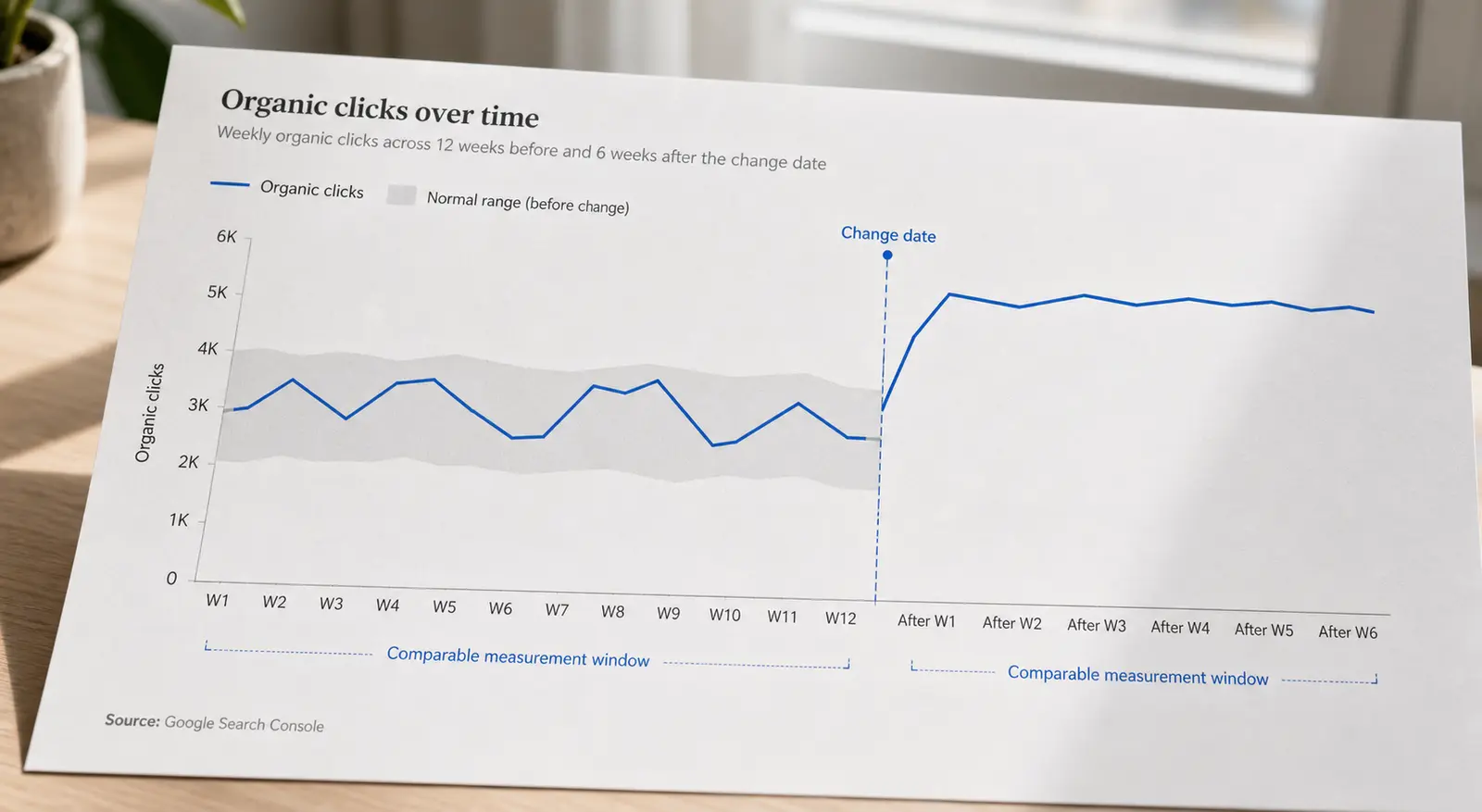
- Measured result: note the before and after, such as a re-run Page Check result or a change in how the snippet renders.
Working from captured output, not guesswork, is what turns a tool report into a decision.
Build skills in a useful order
Follow structured, practical writing on how search actually works. If you are building skills from the start, the structured learning path sequences fundamentals through to advanced practice, so you are not jumping between disconnected tips.

Within this cluster you will also find focused guides worth bookmarking: a plain-English glossary of SEO terms, a from-scratch keyword research method, Core Web Vitals explained metric by metric, and how to structure internal links so pages support each other.
Track AI-driven changes in search
Read the guides on the parts of search that are shifting fastest. Google's AI Overviews and AI answer engines have changed how visibility works, and the guides cover it directly: how to earn visibility in AI Overviews and answer engines, how to get cited by ChatGPT, what generative engine optimisation is, and how GEO differs from SEO. You can browse everything from the posts hub.
Where newcomers and experienced SEOs should begin
If you are new to SEO, start with the structured learning path before using the specialist guides. If you already run audits or manage search campaigns, go directly to the tool or topic you need. The AI-search, Core Web Vitals and structured-data guides assume more prior knowledge than the introductory material.
It is also not location-specific. SEO fundamentals, Core Web Vitals, keyword research and structured data apply the same way whether you work in Sydney, São Paulo or Stockholm, so the material is global by design rather than tied to one market.
What you can use without an account
The public tools and learning posts can be used without registering. SEO 24x7 does not promise rankings, and each tool states what it can inspect and what still requires professional judgement. If you want more context on the project and who is behind it, the about page covers it.
Common questions about using SEO 24x7
Is SEO 24x7 free to use?
The tools are browser-based and free to use, and the learning posts are open to read. Start with the tools hub or the posts hub.
Do I need to be an experienced SEO to get value from it?
No. The content is written for both newcomers and advanced practitioners. If you are starting out, the structured learning path is the place to begin.
Does it cover AI search and not just traditional SEO?
Yes. There is direct coverage of AI Overviews, generative engine optimisation, and getting cited by AI answer engines, alongside the classic on-page, technical and content fundamentals.
Is it only for people in one country?
No. The audience is global and the material is not tied to a single market, since core SEO practice applies the same way across regions.
Do I need to register or sign up?
No. The tools and guides are public. Run a tool on a real page, read the relevant guide, apply the fix, and repeat.