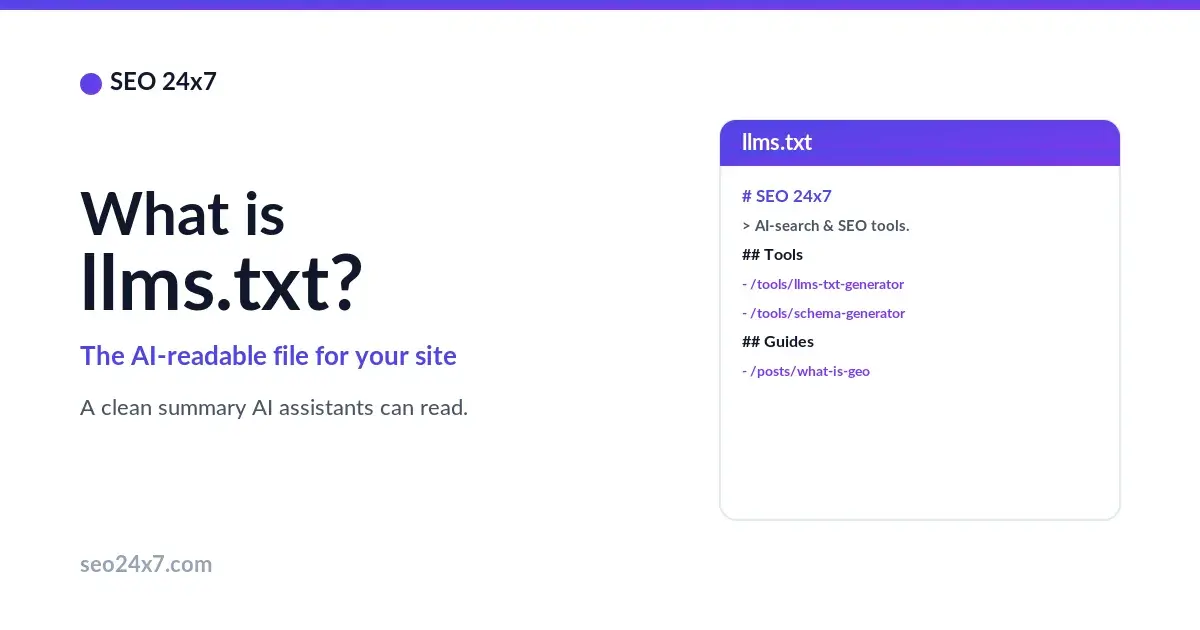
llms.txt is a plain-text Markdown file you place at the root of your website — at yoursite.com/llms.txt — that gives AI assistants a concise, curated map of your most important pages and what your site is about. Proposed in 2024 by Jeremy Howard of Answer.AI, it helps large language models read and represent your site accurately instead of guessing from messy HTML.
What does an llms.txt look like?
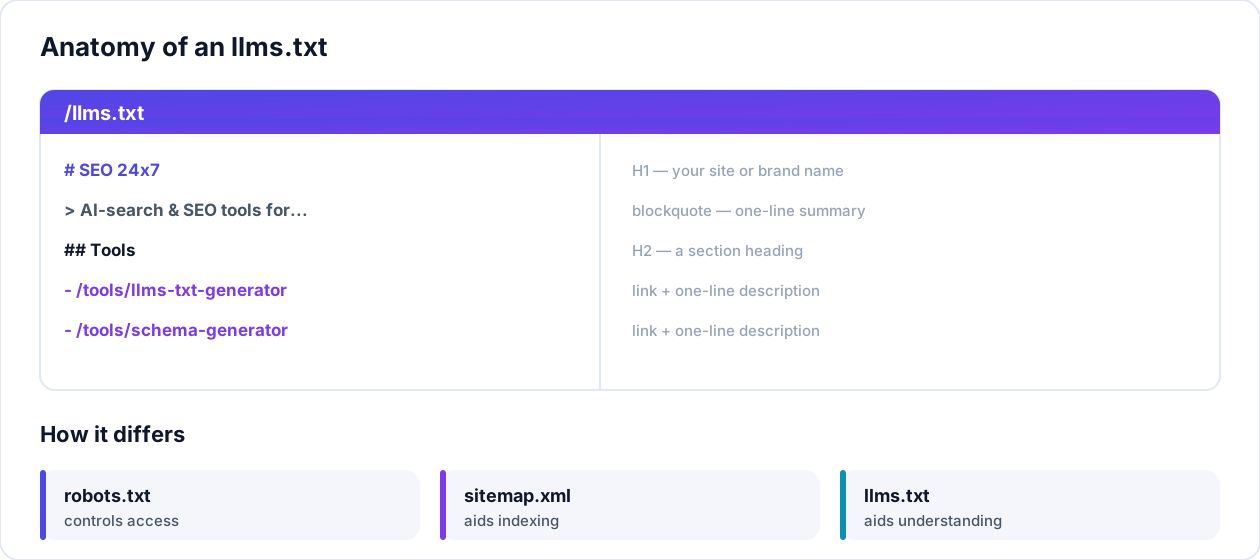
It is a single, readable Markdown file. It starts with an H1 carrying your site or brand name, followed by an optional one-line summary in a blockquote. Then come H2 sections — for example Documentation, Products, or About — each containing a short bulleted list of links with a one-line description after each. The whole thing is meant to be read comfortably by both a person and a machine.
Why llms.txt matters for GEO
AI models work within a limited context window, and a typical web page is full of noise — navigation, scripts, banners and ads — that crowds out the actual content. An llms.txt hands the model a clean, authoritative summary of your best pages, so it spends its attention on what matters. That makes it a small but useful part of generative engine optimization. It is an emerging convention rather than an official standard, and not every AI tool reads it yet — but it is quick to add and low-risk.
llms.txt vs robots.txt vs sitemap.xml
- robots.txt tells crawlers which parts of your site they may access.
- sitemap.xml lists all your URLs so search engines can find and index every page.
- llms.txt is a curated, human-written summary of your most important content, written for large language models.
They do different jobs and work well together: robots.txt controls access, sitemap.xml aids indexing, and llms.txt aids understanding.
How to create an llms.txt
Start with our free llms.txt Generator, which builds a draft from your website. Then refine it by hand: trim the list to your five-to-ten most important pages, write a clear one-line description after each link, place the finished file at your site root so it resolves at /llms.txt, and confirm every link works. Update it whenever your key pages change.
Frequently asked questions
Is llms.txt an official standard?
Not yet. It is a community proposal introduced in 2024, with growing adoption, rather than a formal standard from a body like the W3C or IETF. Support across AI tools is still uneven, so treat it as a helpful extra, not a guaranteed ranking factor.
Where do I put the file?
At the root of your domain, so it loads at yoursite.com/llms.txt — the same place your robots.txt lives. Some sites also publish a fuller llms-full.txt with expanded content.
Does it replace my sitemap?
No. A sitemap lists every URL for search-engine indexing; llms.txt is a short, curated summary for AI models. Keep both — they serve different audiences.
Ready to build yours? Try the llms.txt Generator and the rest of our free SEO and AI-search tools.